New Technology Procurement Guide
Last Modified on 09/25/2026 4:03 pm EDT
Jump to: Apple | Windows PC | Displays | Tablets | Accessories | PhD
This article provides guidance on obtaining new technology, including managed work computers, monitors, and accessories. After reviewing the options in this guide, please fill the new technology procurement form to submit a request to Wharton Computing.
Curated Configurations
The recommended tier of laptops (shown in the green/middle column*) is chosen based on many factors: Penn hardware and procurement guidance, client feedback, compatibility with other technology deployed throughout campus, current/future trends, minimum hardware requirements, and budgeting. These are appropriate choices for most users. Configurations above and below the recommended tier are available based on use case, needs, and justification.
Desktop and Custom Requests
Requests for a model or configuration, from one of our preferred vendors (Apple, Dell, Lenovo) that differs from our recommended offerings, should be submitted to support@wharton.upenn.edu. Please include helpful details you’ve already determined, such as use cases, as well as questions that you may have.
All desktop requests are considered custom, CSS will work to ensure we help find the best solution in the desktop form factor.
Apple
Mac computers run on the proprietary operating system, macOS. This system is also known for its user-friendly interface, stability, and security features. Mac models excel in picture accuracy, photo and video editing tasks, and remain compatible with most productivity applications. Mac systems can seamlessly integrate with other Apple devices and services, such as iPhones, iPads, Apple Watches, and iCloud. This allows for a cohesive and interconnected experience across multiple devices.
MacOS may not be compatible with all productivity software and configurations. Examples include but are not limited to: Microsoft Access, ArcGIS, Toad, Power BI Desktop (Power BI Web only), Bluebeam Revu (Bluebeam Cloud only), Oracle Crystal Ball, and SAS.
Along with the standard Apple applications, the following third-party productivity apps come installed on every Mac:
- Chrome
- Microsoft 365 (Word, Excel, PowerPoint, Outlook, To Do)
The built-in Self Service application allows users to browse through and download additional applications including:
| Visual Studio Code |
Dropbox |
Slack |
Global Protect (UPenn VPN) |
| MS OneNote |
ChatGPT |
Webex |
CrashPlan (backup solution) |
| MS OneDrive |
Grammarly |
Zoom |
FortiClient (Wharton VPN) |
| Adobe Acrobat Reader |
Adobe Creative Cloud |
MS Teams |
Windows App (formerly Remote Desktop) |
| Solstice |
|
|
|
|
Configuration Code
|
L1 |
L2* |
L9 (NEW) |
L3 |
| Model |
MacBook Air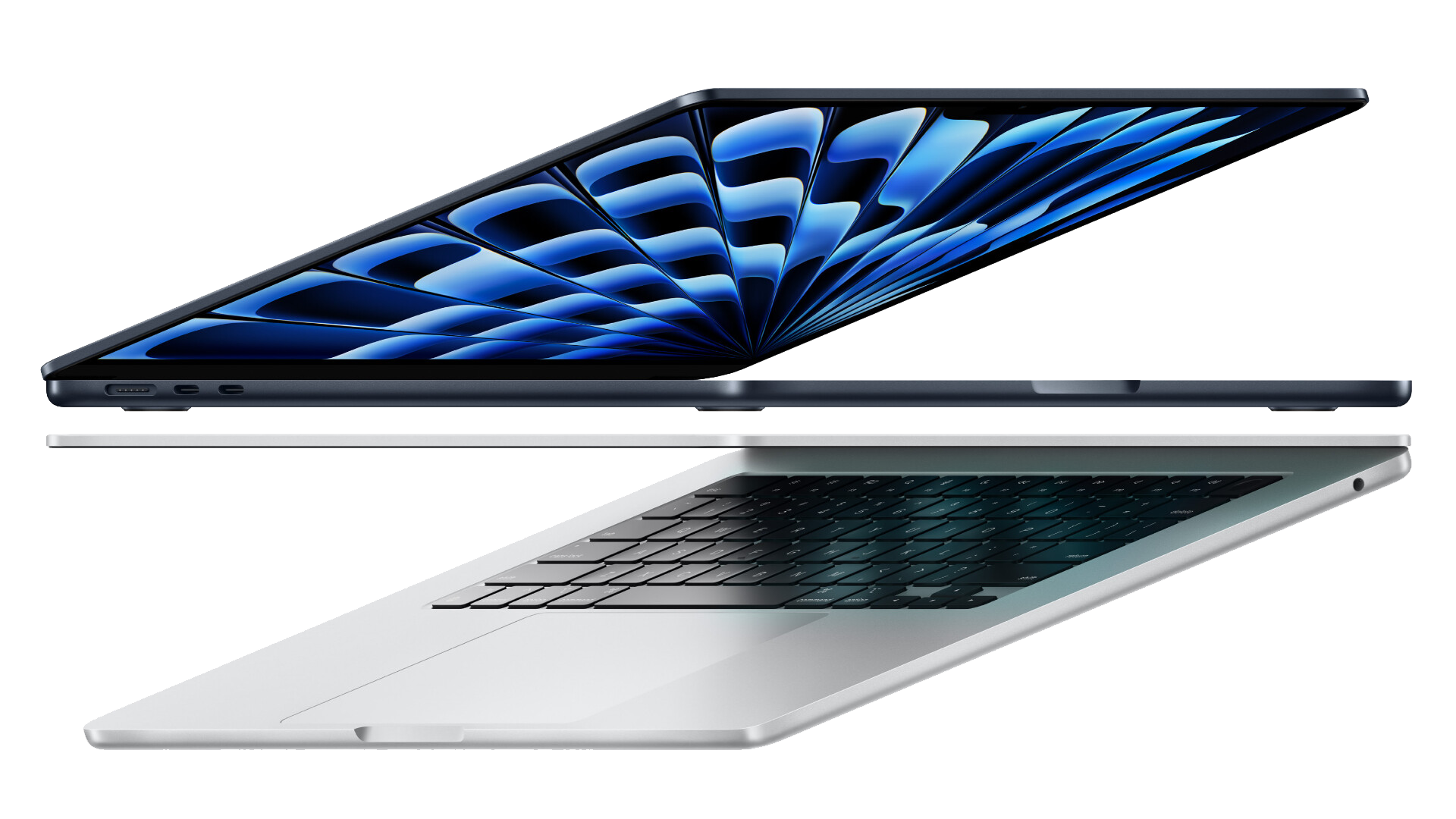
|
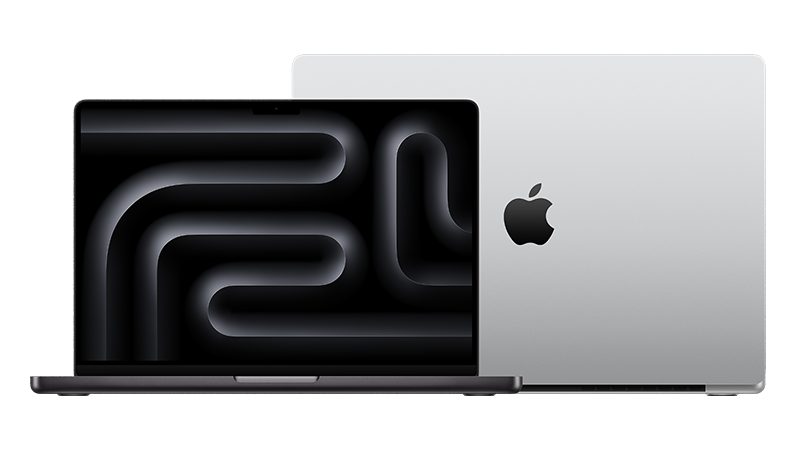
MacBook Pro

|
MacBook Pro

|
MacBook Pro
|
| Technical Specifications |
- M5 (10‑core CPU, 8‑core GPU)
- 24GB Unified Memory
- 1TB Hard Drive
- 13 or 15-inch LCD Display
- Midnight chassis
- 3 or 4-year Warranty
|
- M5 Pro (15‑core CPU, 16‑core GPU)
- 24GB Unified Memory
- 1TB Hard Drive
- 14 or 16-inch MiniLED Display (standard finish)
- Space Black chassis
- 3 or 4-year Warranty
|
- M5 Pro (18‑core CPU, 20‑core GPU)
- 48GB Unified Memory
- 1TB Hard Drive
- 14 or 16-inch MiniLED Display (standard finish)
- Space Black chassis
- 3 or 4-year Warranty
|
- M5 Max (18‑core CPU, 32‑core GPU)
- 36GB Unified Memory
- 2TB Hard Drive
- 14 or 16-inch MiniLED Display (standard finish)
- Space Black chassis
- 3 or 4-year Warranty
|
| Use Case |
Benefits:
- Good for standard day-to-day use using the standard Wharton Baseline of applications
- Lightweight for traveling and commuting
|
Benefits:
|
Benefits:
|
Benefits:
- Speeds up tasks that are resource-intensive
- Capable of running some local Large Language Models
|
| Pricing Estimate |
$1858 (13-inch + 3yr warranty) |
$2574 (14-inch + 3yr warranty) |
$3298 (14-inch + 3yr warranty) |
$4008 (14-inch + 3yr warranty) |
Windows PCs
Windows PCs operate on the Windows operating system, which is developed by Microsoft. Windows is known for its widespread usage, versatility, and compatibility. Windows has a vast library of compatible software applications, ranging from productivity tools and creative suites, to gaming software and specialized business applications. This broad ecosystem contributes to the popularity of Windows PCs in various domains.
The following productivity applications come installed on every PC:
| MS Outlook |
MS Teams |
MS Word |
MS Excel |
MS PowerPoint |
| MS Access |
MS Publisher |
MS OneNote |
MS OneDrive |
Zoom |
| Chrome |
Dropbox |
Adobe Creative Cloud |
Adobe Acrobat |
7-Zip |
The built-in Self Service application allows you to browse through and download additional applications including:
| Box |
Solstice |
RStudio |
Firefox |
Global Protect (Upenn VPN) |
| JMP |
Smart View |
Notepad ++ |
|
Forticlient (Wharton VPN) |
| Visual Studio Code |
R for Windows |
Webex |
|
CrashPlan (backup solution) |
Dell
|
Configuration Code
|
L4 |
L5* |
L6 |
L7 |
| Model |
Dell Pro 7

|
Dell Pro 14 Premium

|
Dell Pro 5 Series 16

|
Dell Pro Precision 7

|
| Technical Specifications |
- Intel Ultra 7 365 (49 TOPS)
- 32GB RAM
- 1TB Hard Drive
- 14-inch WQXGA Display (2560x1600) Non-touch
- Integrated Graphics
- 3 or 4-year Warranty
|
- Intel Ultra 7 365 (49 TOPS)
- 32GB RAM
- 512GB Hard Drive (1TB upgrade available for approximately $300)
- 14-inch Tandem OLED Touch Display (2560x1600) (Gorilla Glass)
- Integrated Graphics
- Lightweight Chassis
- 3 or 4-year Warranty
|
- Intel Ultra 7 365 (49 TOPS)
- 32GB RAM
- 1TB Hard Drive
- 16-inch WQXGA Display (2560x1600) Non-Touch
- Integrated Graphics
- 3 or 4-year Warranty
|
- Intel X7 368H
- 64GB RAM
- 1TB Hard Drive
- 14-inch QHD Tandem OLED Touch Display (2880x1800)
- NVIDIA RTX PRO 2000 Blackwell 8GB Graphics
- Long Life Cycle Battery
- 130W Power Supply
- 3 or 4-year Warranty
|
| Use Case |
Benefits:
- USB-C and USB-A ports
- Great battery life with regular use of the standard Wharton application baseline.
- Capable of workflows requiring apps such as:
- SPSS
- Python
- RStudio
- Stata
- JMP
- SAS
|
Benefits:
- Higher color accuracy and better contrast
- Lightweight for easy commuting
- Great battery life with regular use of the standard Wharton application baseline
- Capable of workflows requiring apps such as:
- SPSS
- MATLAB
- Python
- RStudio
- Stata
- JMP
- SAS
|
Benefits:
- 16-inch screen (instead of the extra portability of the Pro 7/Premium design)
- Full size keyboard with number pad
- Capable of workflows requiring apps such as:
- SPSS
- MATLAB
- Python
- RStudio
- Stata
- JMP
- SAS
|
Benefits:
- High resolution display
- Tasks and applications that can benefit from dedicated graphics
- Capable of workflows requiring:
- Moderate ArcGIS workloads
- Camtasia
- Adobe Premiere Pro/After Effects
|
| Pricing Estimate |
Available by custom quote
|
Available by custom quote |
Available by custom quote |
Available by custom quote |
Lenovo
|
Configuration Code
|
L8* |
| Model |
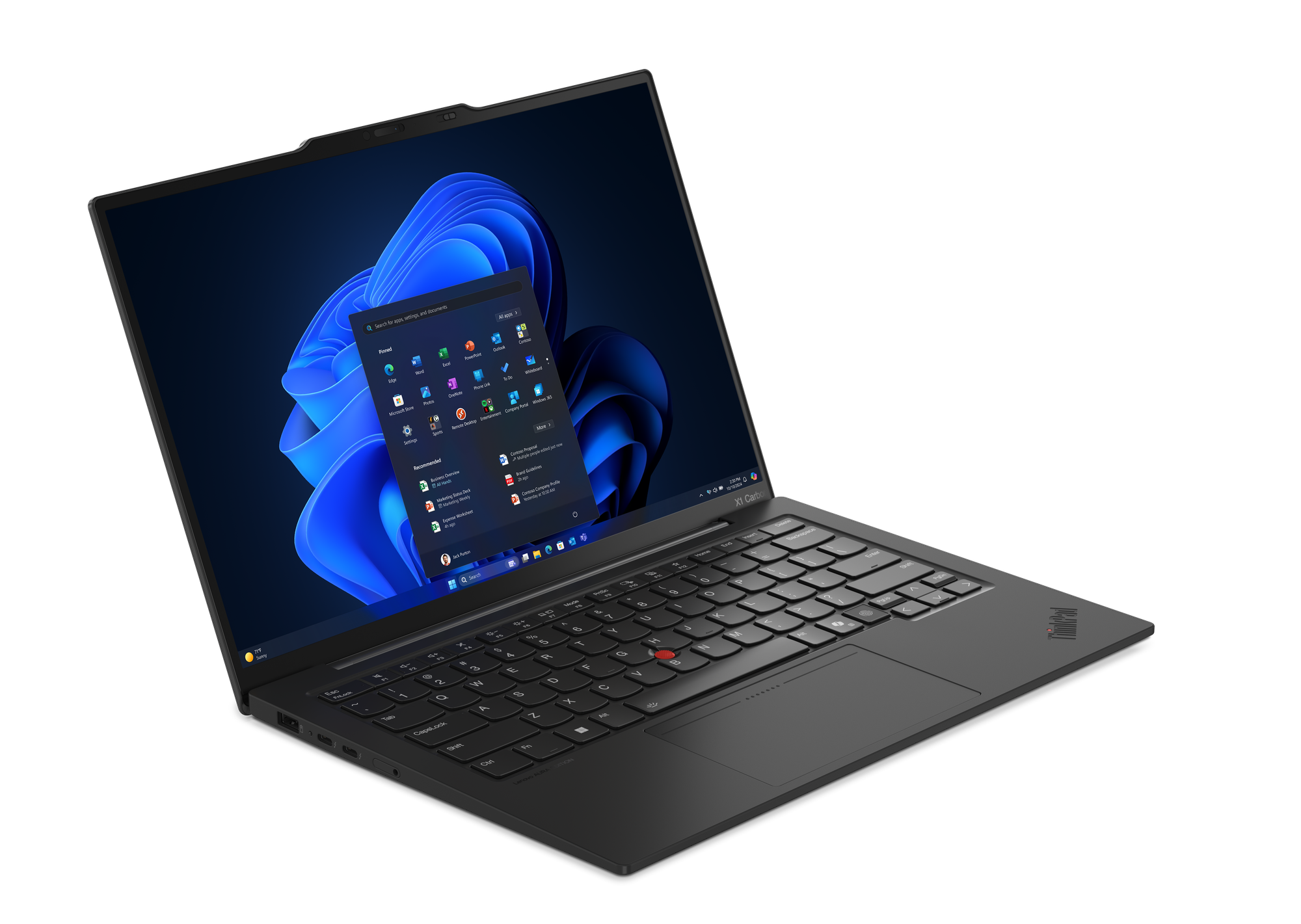
Lenovo ThinkPad X1 Carbon Gen 14
|
| Technical Specifications |
- Intel Ultra 7 365 (49 TOPS)
- 32GB RAM
- 1TB Hard Drive
- 14-inch QHD+OLED Touch Display
- Integrated Graphics
- Lightweight Chassis
- 3 or 4-year Warranty
|
| Use Case |
Benefits:
- Higher color accuracy and better contrast
- Lightweight for easy commuting
- Great battery life with regular use of the standard Wharton application baseline.
- Capable of workflows requiring apps such as:
- SPSS
- MATLAB
- Python
- RStudio
- Stata
- JMP
- SAS
|
| Pricing Estimate |
Available by custom quote |
Displays
Having the right display configuration is essential to achieving high levels of productivity and getting the best computing experience. Throughout Wharton’s campus, Dell displays offer the widest range of cross-platform compatibility, which makes them a staple in offices, departments, and hoteling/touch-down spaces. The recommended displays offer a variety of extra port options, networking, easy one-cable connection for laptop users, and a great balance of resolution and image quality.
|
Configuration Code
|
S1* |
S2 |
| Model |
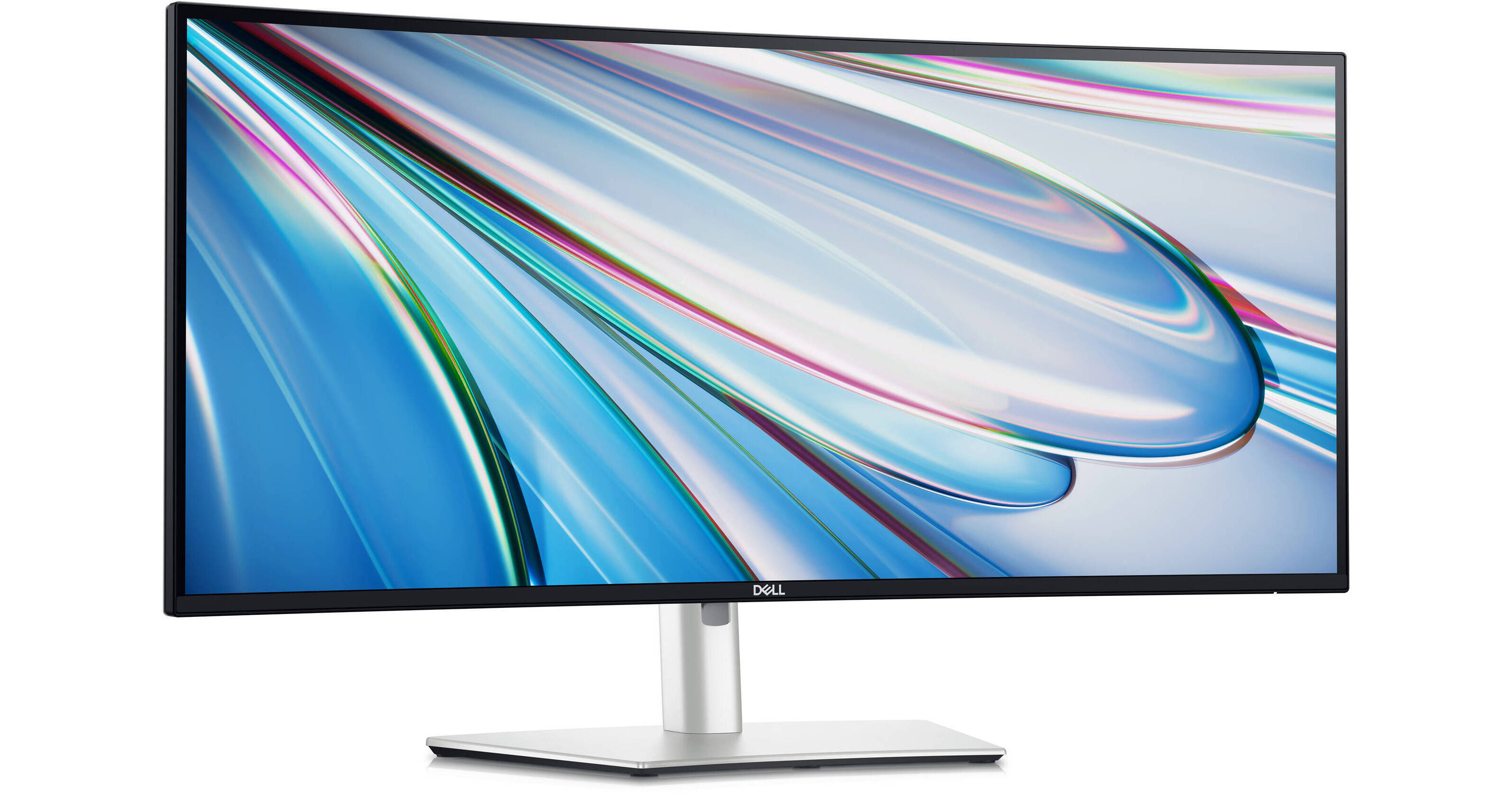
Dell UltraSharp 34-inch Curved (with hub)
U3425WE
|
Dual Dell 24-inch (hub + non-hub combo)
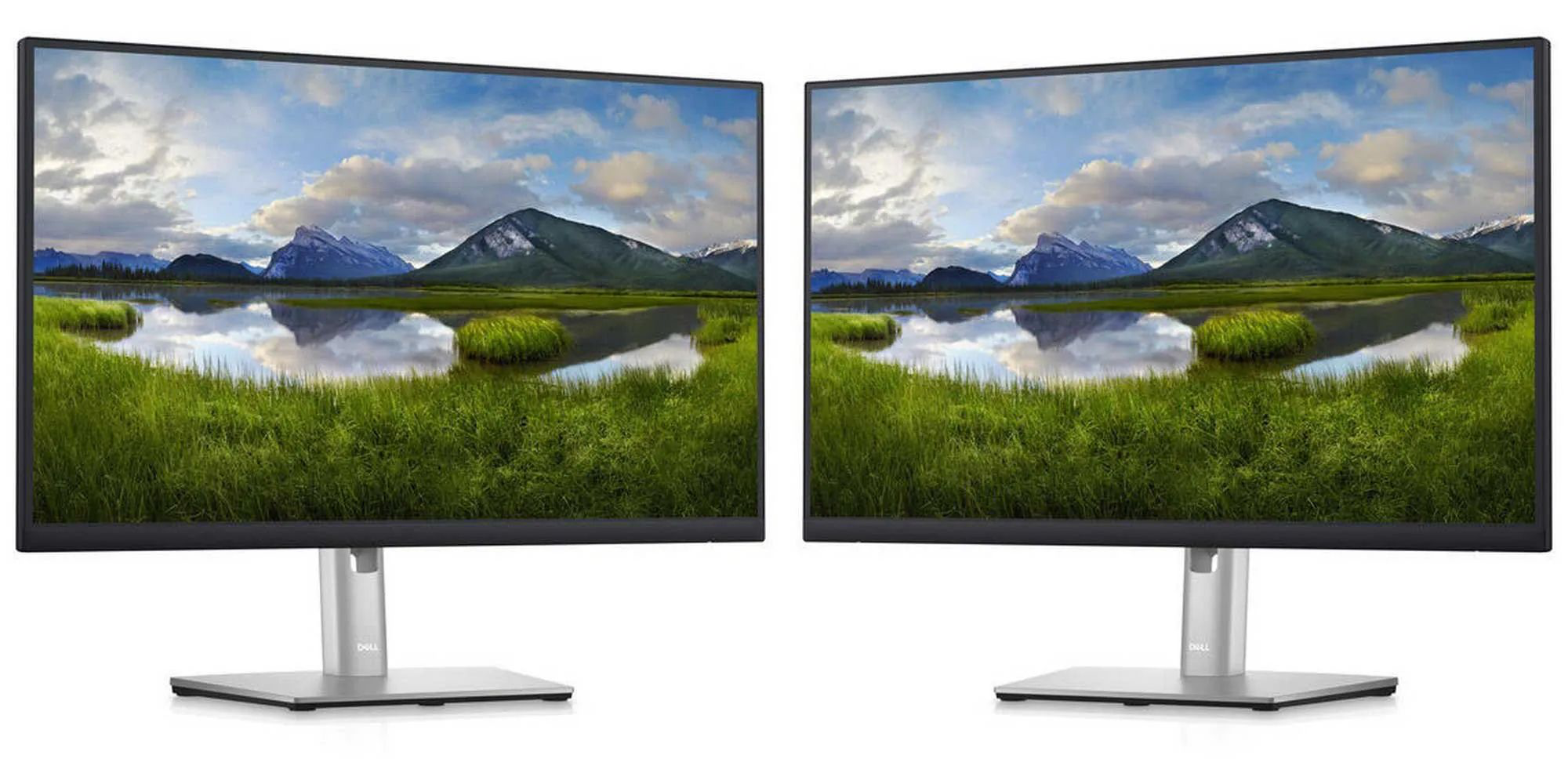
|
| Technical Specifications |
- UWQHD (Ultrawide
3440×1440) curved display
- Integrated hub with networking (no separate dock needed)
- Extra ports for accessories
- USB-C, HDMI, and DisplayPort connections
- Up to 90W charging
|
- 2K resolution per display
- A combination of one hub and one non-hub display, leaving a dock optional for PC users (Mac users will require a separate dock)
- Extra ports for accessories
- USB-C, HDMI, and DisplayPort connections
- Up to 90W charging
|
| Use Case |
Benefits:
- Great for those who prefer a single display solution
|
Benefits:
- Great for those who prefer to work with dual displays and easily separate workspaces
(Pairs well with the Dell WD22TB4 dock for Mac users or PC users who need extra ports)
|
| Pricing Estimate |
$750 |
$650 |
Tablets
*Enter information about tablets
Peripherals/Accessories
A solution is not complete without the right peripherals/accessories. Here are some of the most popular choices.
|
Mouse & Keyboard
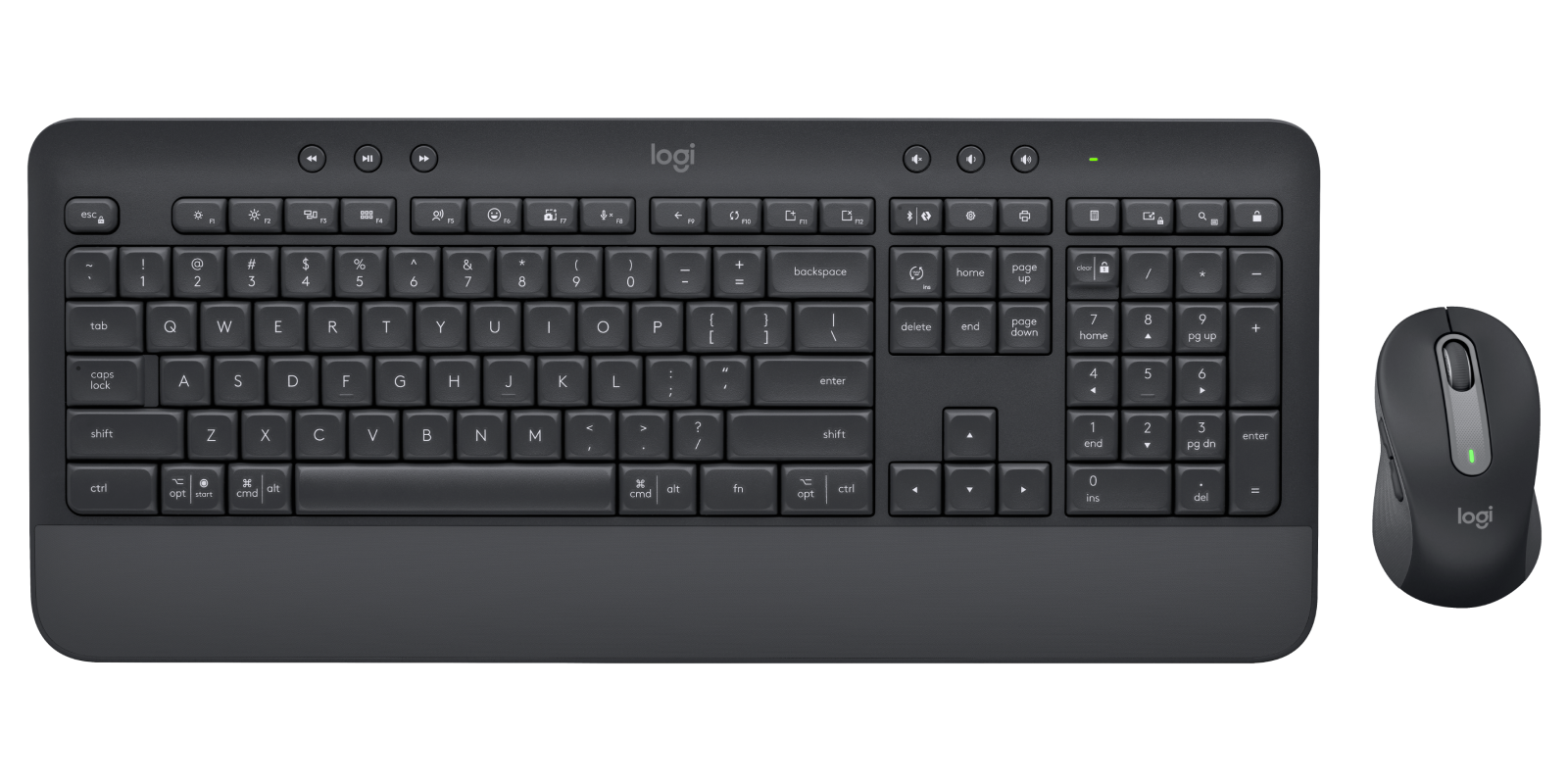
Logitech MK650 Mouse and Keyboard
|
Keyboard
Logitech MX Keys S Wireless Keyboard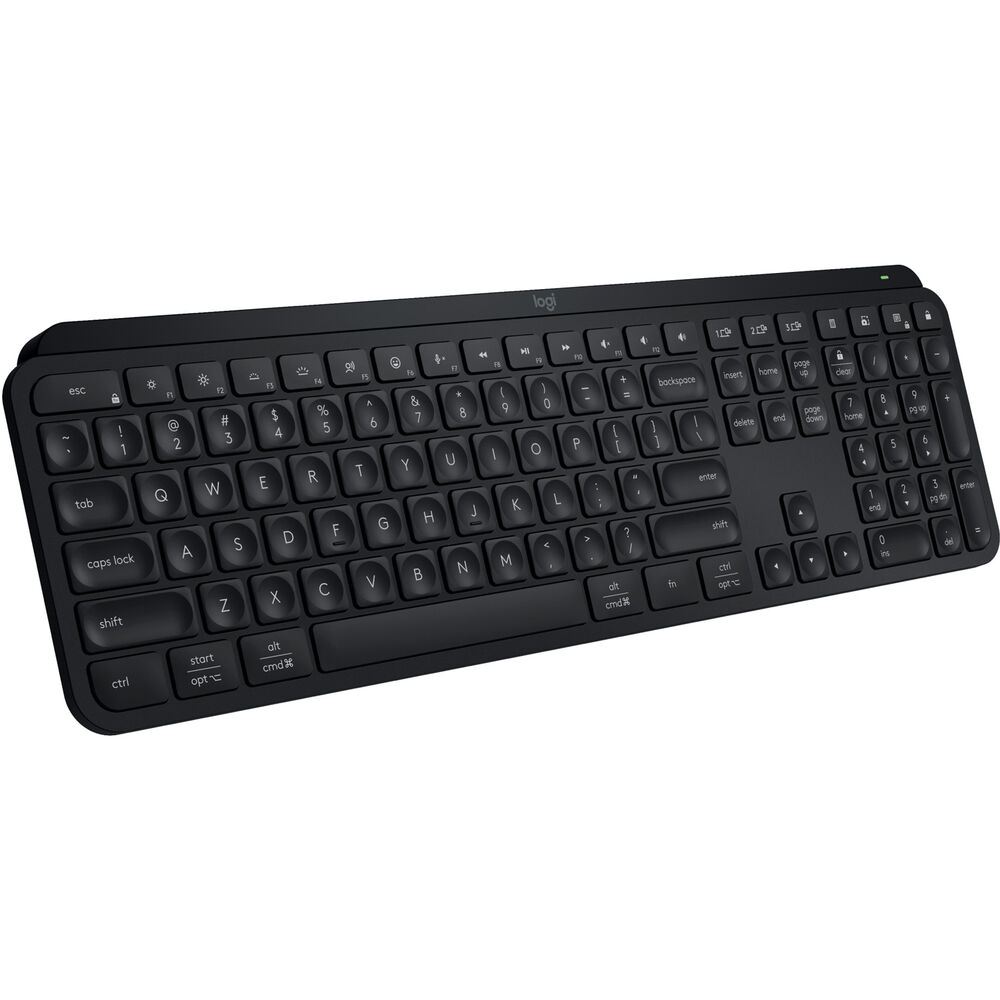
|
Mouse
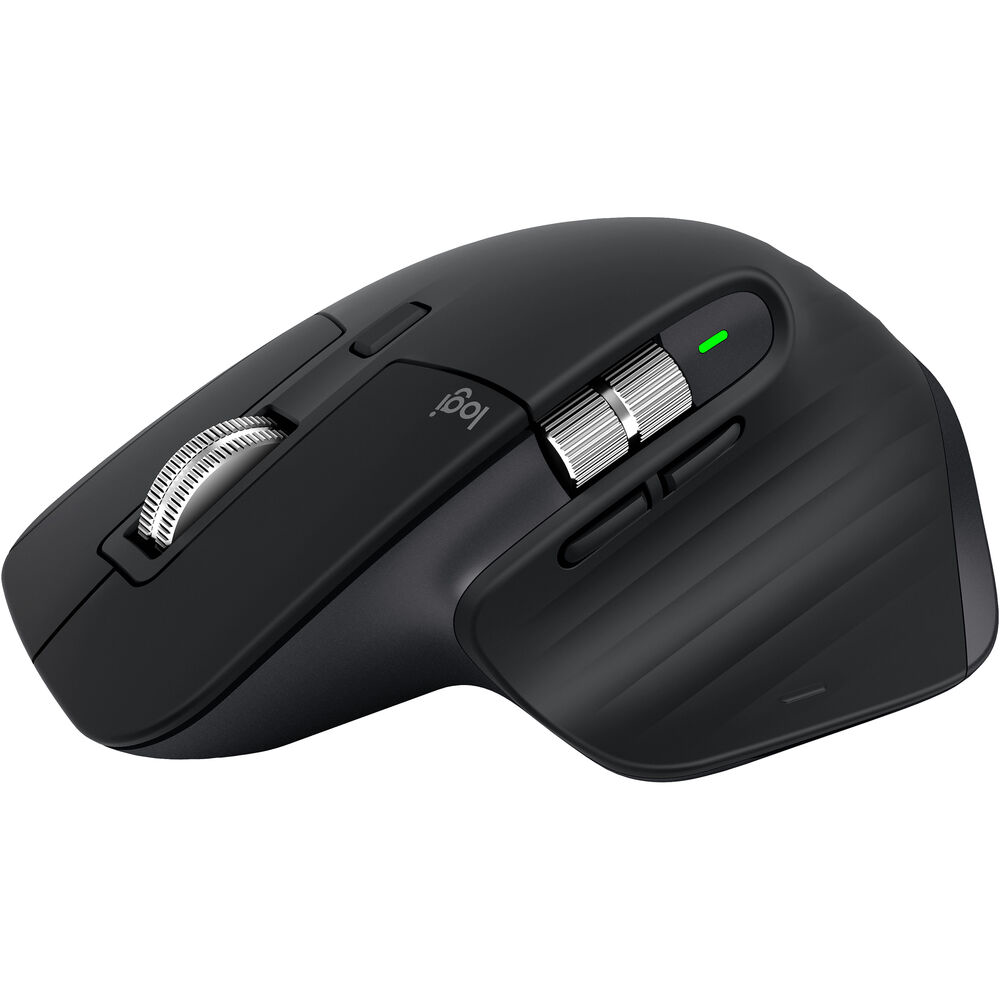
Logitech MX Master 3S Wireless Mouse
|
| Pricing Estimate: $65 |
Pricing Estimate: $120 |
Pricing Estimate: $100 |
|
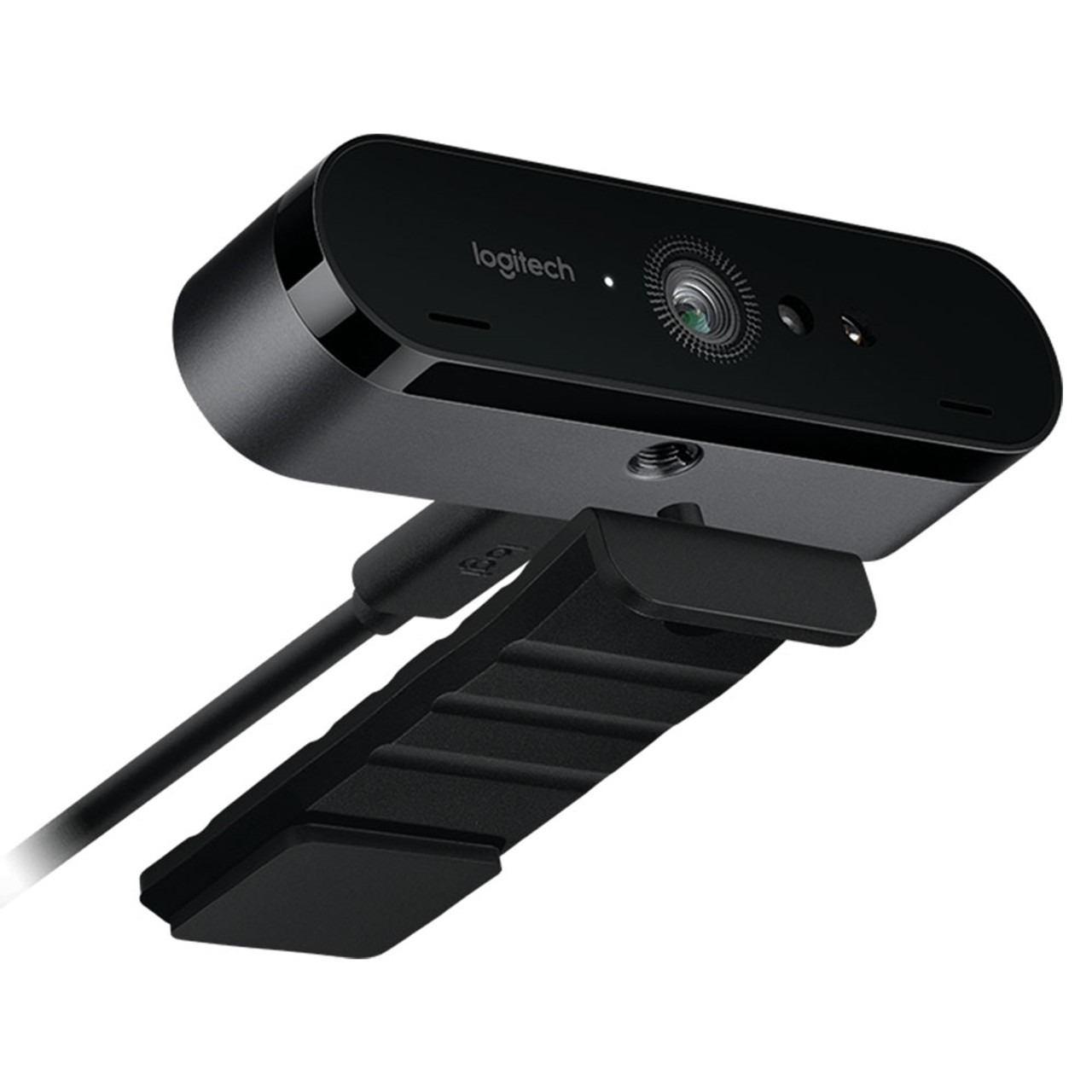
Webcam
Logitech BRO 4K Webcam
|
Docking Station
Dell Pro Thunderbolt 4 Smart Dock SD25TB4
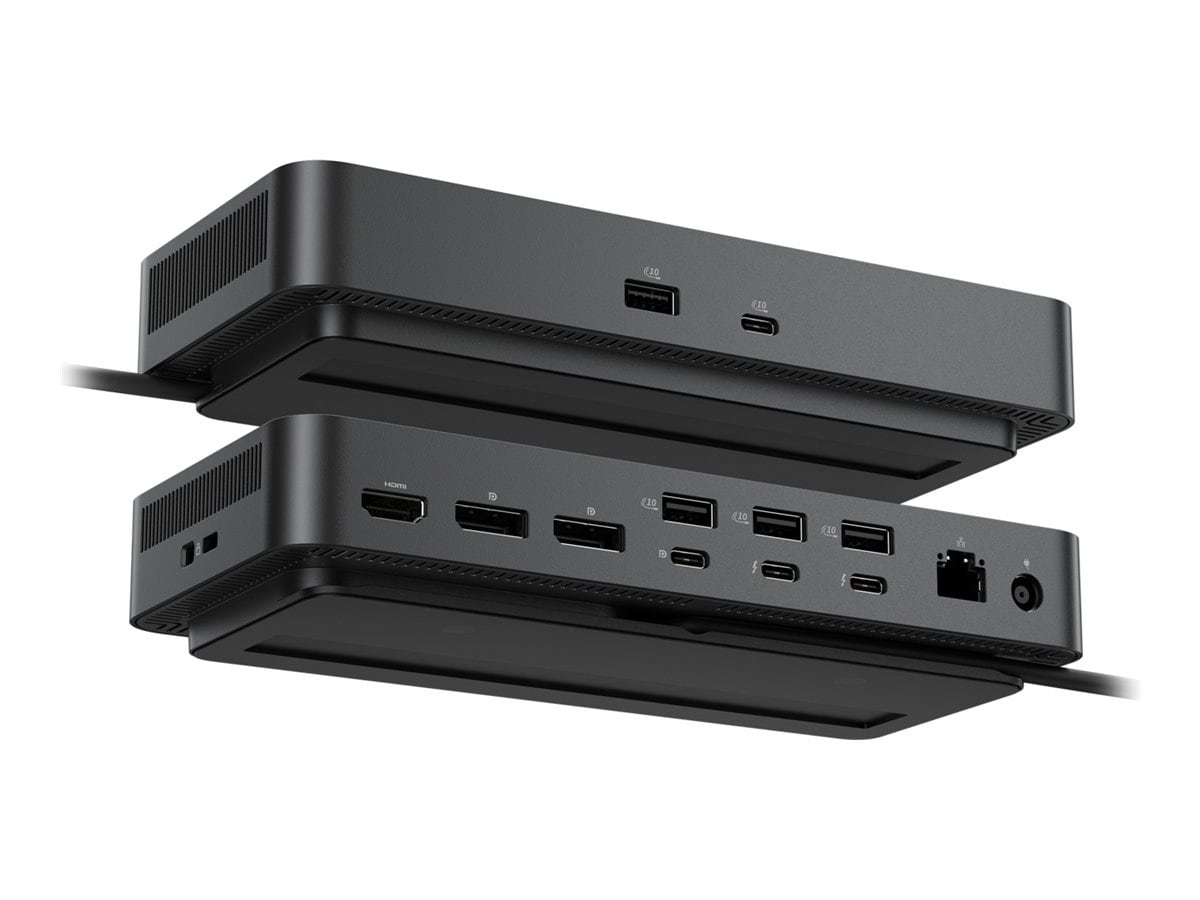 Specifics: Specifics:
- Up to 130W of power for charging
- Extra ports for accessories
- Supports Thunderbolt, HDMI, and DisplayPort connections
|
Spare Charger
Anker 100W Compact Charger / 6ft Braided USB-C Charge Cable
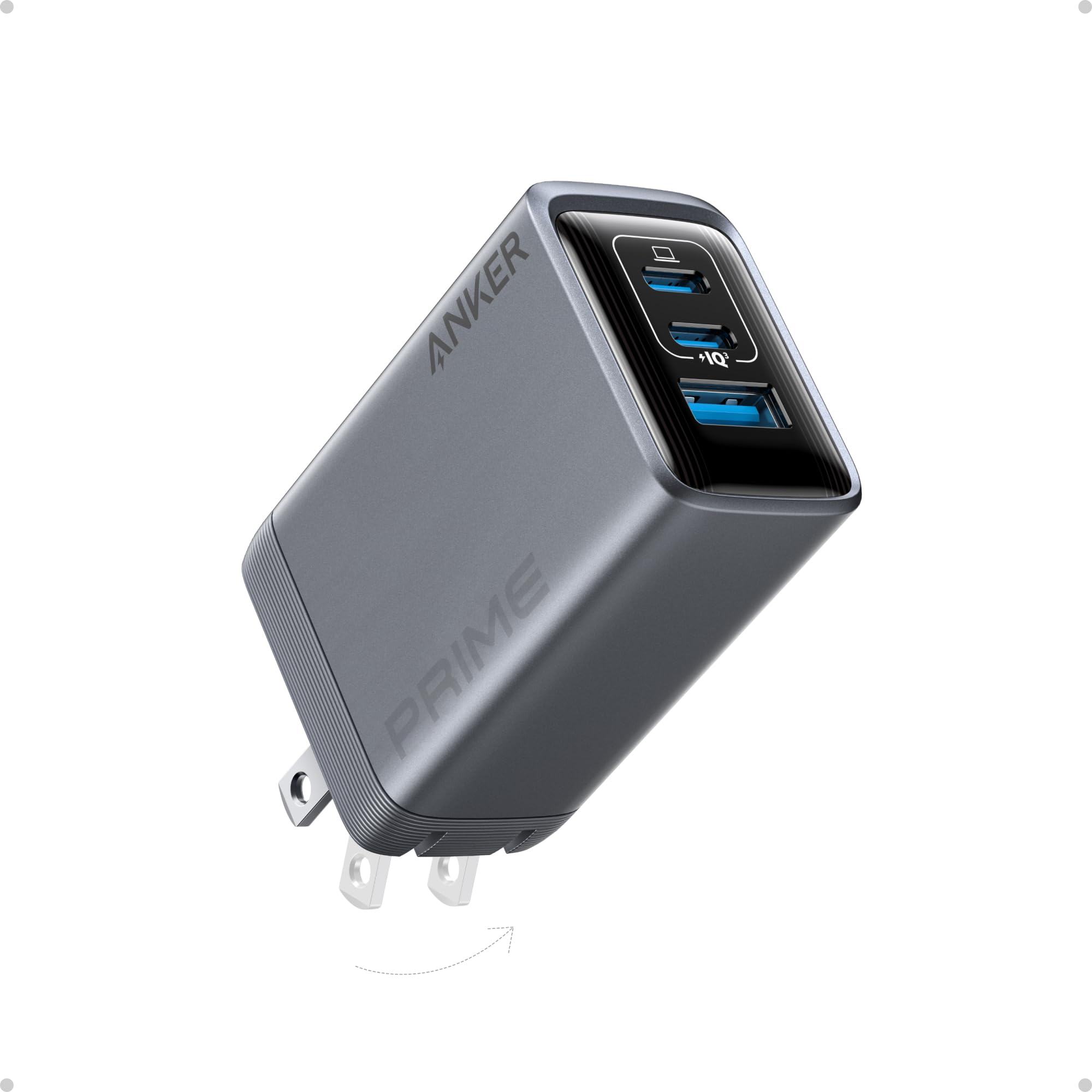 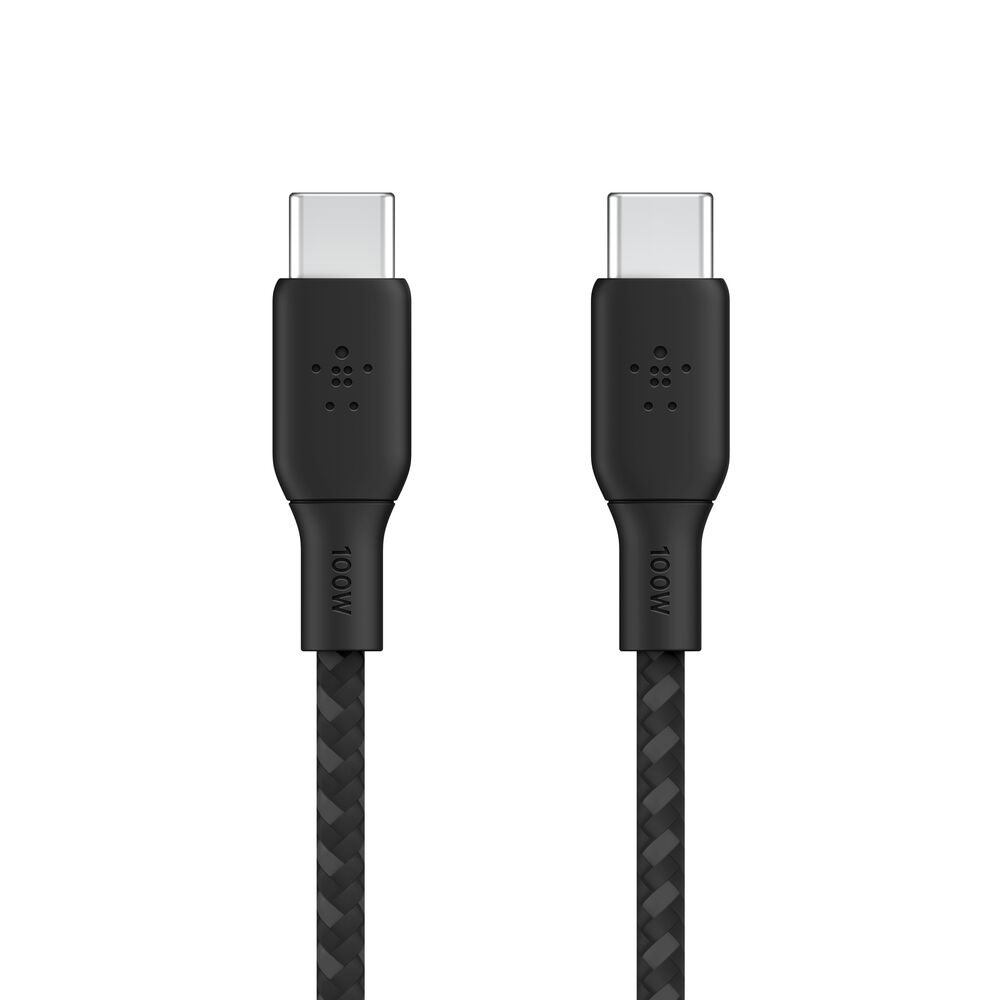 Specifics: Specifics:
- Compact
- 3 ports can charge multiple devices simultaneously
|
| Pricing Estimate: $150 |
Pricing Estimate: $275 |
Pricing Estimate: $60 |
|
Keyboard
Apple Magic Keyboard (Touch ID + USB-C)
 Specifics: Specifics:
(Only compatible with Apple Silicon Mac models)
|
Keyboard
Apple Magic Keyboard (Touch ID + Numeric Keypad)
Specifics:
(Only compatible with Apple Silicon Mac model)
|
|
| Pricing Estimate: $149 |
Pricing Estimate: $179 |
PhD Recommendations
Due to part constraints and market volatility, pricing estimates must be provided by custom quote and will be valid for up to 14 days.
For incoming PhD students that will be provided with Wharton Computing managed technology, we recommend:
- Apple - Option L1 from our Apple section (MacBook Air M5 - 13 or 15 inch model)
- Windows PC - Options L5 from our
Dell section (Dell Pro 14 Premium)
To pair with a new computer, we also recommend the following display:
Dell 27-inch Conferencing Monitor (with hub)
P2726DEB

Specifics:
- Built in webcam, speakers, and microphone
- QHD resolution (1440p)
- USB-C connection with 90W charging
- Zoom and Teams certified
Questions?
Email: support@wharton.upenn.edu


 Specifics:
 Specifics:
 Specifics:
